This is a subtitle for your new post

The Adventure Tour Marketing Funnel
This is a subtitle for your new post
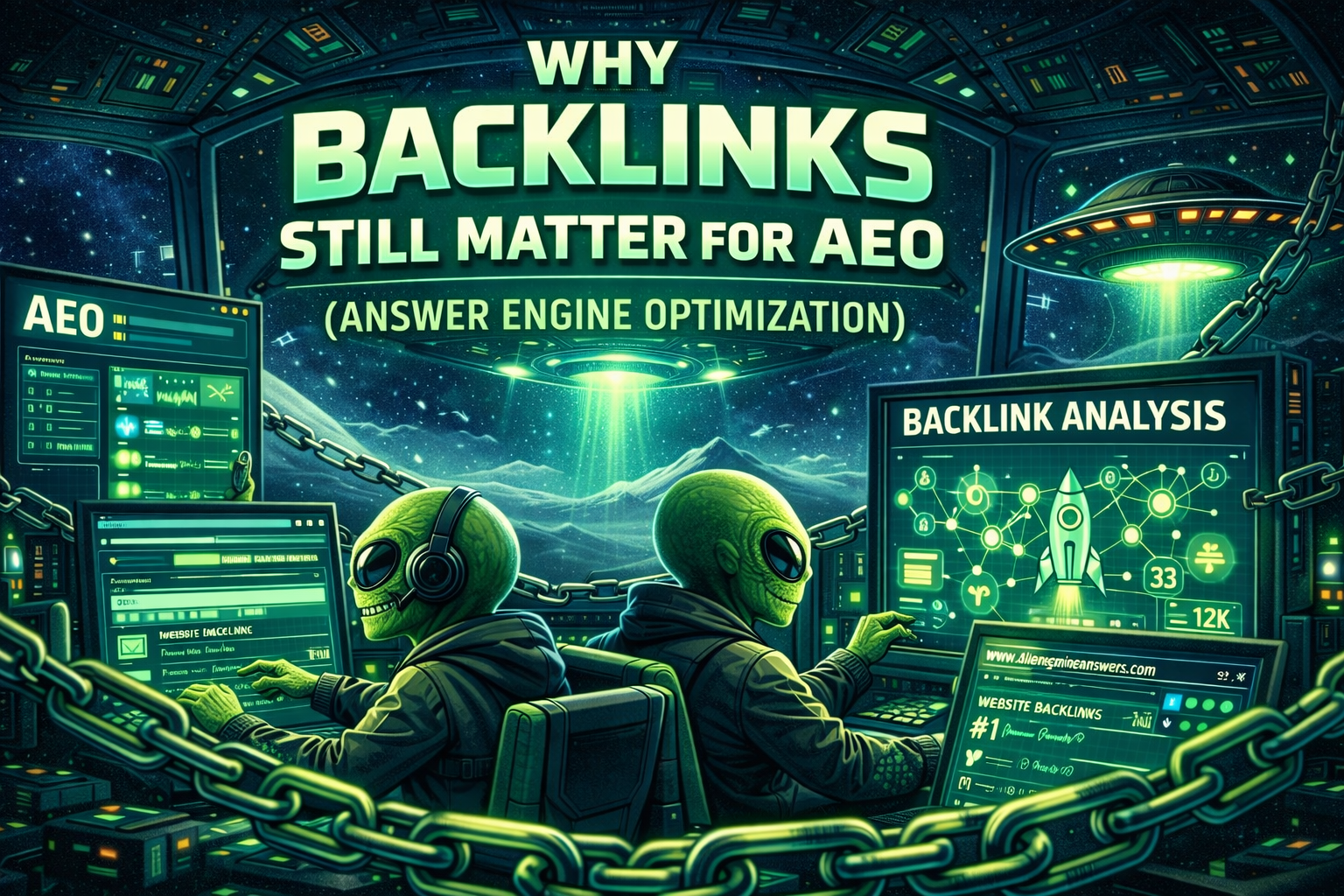
Why Backlinks Still Matter for AEO (Answer Engine Optimization) For years, backlinks have been one of the strongest signals in traditional Search Engine Optimization (SEO). If reputable websites link to your content, search engines assume your content is credible and authoritative. But now we’re in a new era of discovery. People are increasingly asking questions directly to AI tools like ChatGPT, Gemini, Perplexity, and Microsoft Copilot instead of typing keywords into search engines. This shift has introduced a new concept in digital marketing: Answer Engine Optimization (AEO). AEO focuses on helping your brand become a trusted source cited by AI systems when they generate answers. And here’s the interesting part: Even in this new AI-driven search environment, backlinks remain one of the most important signals for credibility and authority. Let’s break down why backlinks still matter—and why they may actually be more important than ever for AI visibility. The Core Goal of AEO: Become the Source AI Trusts Traditional SEO tries to rank web pages. AEO tries to make your content the information AI systems rely on when generating answers. When someone asks an AI system a question like: “How much does Google Ads management cost?” The AI doesn’t just invent an answer. It pulls information from trusted sources across the internet and synthesizes them into a response. The sources it trusts most are typically websites that demonstrate: • topical authority • structured, clear content • consistent brand signals • strong backlink profiles Backlinks help AI systems determine which sources are trustworthy enough to cite. Backlinks Are a Trust Signal for the Entire Internet Think of backlinks like votes of confidence from other websites. When a reputable site links to your content, it’s essentially saying: “This source is worth referencing.” Search engines have relied on this signal since the early days of Google’s PageRank algorithm. AI systems still rely heavily on search engine indexes and authoritative sources when gathering information. That means the authority signals created by backlinks still influence which content is considered trustworthy enough to inform AI answers. In other words: Backlinks help your content become part of the trusted knowledge layer of the internet. AI Systems Prefer Authoritative Sources Large language models don’t randomly pull from the internet. They rely on information ecosystems that include: • search engine indexes • trusted websites • reputable publications • authoritative knowledge sources Websites with strong backlink profiles are far more likely to be treated as credible reference material. For example, when AI systems generate answers about marketing, they often reference sources like: • HubSpot • Search Engine Journal • Moz • Google documentation • well-established industry blogs Why? Because these sites have thousands of high-quality backlinks that reinforce their credibility. When your site earns backlinks from trusted websites, you begin to build similar authority signals. Backlinks Strengthen Topical Authority One backlink alone won’t suddenly make your website authoritative. But when multiple websites link to content about a specific topic, you start to build topical authority. Topical authority tells search engines and AI systems: “This website consistently publishes credible information about this subject.” For example, imagine a digital marketing agency publishing articles on: • Google Ads strategy • PPC campaign structure • conversion tracking • lead generation costs If these articles earn backlinks from: • marketing blogs • business publications • local news sites • industry directories That agency begins to build authority in the digital advertising space. As that authority grows, the likelihood that AI systems reference their content increases. Backlinks Help Your Brand Become an Entity One of the biggest shifts in AI-driven search is the importance of entities. An entity is a recognizable concept such as: • a company • a person • a brand • a location • a product AI systems rely heavily on entity recognition when understanding the web. Backlinks help strengthen entity recognition in several ways: • they connect your brand to other websites • they reinforce your relevance in specific industries • they create contextual signals about what your business does When many sites reference your brand in relation to a topic, AI systems begin to associate your brand with that topic. For example: If multiple websites link to your content about Google Ads strategy, AI systems may start associating your brand with paid advertising expertise. That association increases the chances that AI systems reference your content when answering related quest ions. Backlinks Improve Your Chances of Being Cite d by AI Many AI answers include citations or referenced sources. When AI models decide which sources to cite, they tend to favor: • authoritative domains • well-known brands • widely referenced content Backlinks help your content move into that category. Without backlinks, even high-quality content can remain largely invisible. With backlinks, your content gains distribution and credibility signals that make it more likely to be included in AI-generated responses. Local Backlinks Also Matter for AEO Backlinks aren’t just important for national or global visibility. They also help establish local authority, which can influence how AI systems respond to location-based questions. For example: If someone asks an AI tool: “Who are the best digital marketing agencies in Birmingham, Alabama?” The AI may pull information from sources such as: • local news sites • local directories • business associations • community websites If your business has backlinks from those sources, it increases the chances that your brand appears in those answers. Local backlinks help AI understand that your business is relevant within a specific geographic market. Backlinks Help Content Travel Across the Internet One overlooked benefit of backlinks is content discovery. When other websites link to your content, it becomes easier for search engines, crawlers, and AI systems to discover and understand your content. The more your content is referenced, the more likely it is to become part of the knowledge ecosystem AI systems rely on. In many cases, backlinks are what transform content from: “A blog post on your website” into “A widely referenced source on the internet.” That difference can determine whether your content ever shows up in AI-generated answers. What Kind of Backlinks Help AEO the Most? Not all backlinks are created equal. For AEO, the most valuable backlinks typically come from: Industry Publications Websites related to your industry help reinforce topical authority. Trusted Media Sites News outlets and established media brands carry strong credibility signals. Educational and Research Sites Universities and research organizations often carry significant authority. Niche Blogs and Thought Leaders Expert voices within your industry can strengthen contextual relevance. Local Organizations For local businesses, links from: • chambers of commerce • local news sites • community organizations can reinforce geographic authority. Backlinks Alone Are Not Enough Backlinks are powerful, but they’re only part of the equation. For AEO success, you also need: • clear, structured content • question-based articles • strong topical coverage • consistent brand signals across the web • accurate business information Backlinks amplify the credibility of your content. But the content still needs to provide clear, useful answers. The Bottom Line Answer Engine Optimization is changing how brands gain visibility online. Instead of simply ranking for keywords, businesses now need to focus on becoming trusted sources that AI systems reference when answering questions. Backlinks remain one of the strongest signals that a website deserves that trust. They help establish: • credibility • authority • entity recognition • topical expertise • discoverability In the AI era, backlinks don’t just help you rank. They help your brand become part of the knowledge layer that powers AI search. And the brands that earn that position will be the ones shaping the answers people see every day.
How to Sell White Label PPC to Your Existing Clients (Without Feeling Salesy) If you already run an agency — web design, SEO, branding, social media — you’re sitting on opportunity. Not “maybe” opportunity. Recurring revenue opportunity. The truth is, most agencies don’t struggle with sales. They struggle with expanding revenue inside accounts they already earned. White label PPC is one of the easiest, highest-leverage services you can introduce to existing clients — if you position it correctly. Let’s break down how to do it. First: Why Your Existing Clients Are the Best PPC Prospects Your current clients already: Trust you Pay you See you as their marketing advisor Want more leads or growth You’re not cold pitching. You’re helping them solve the next problem. And that next problem is almost always: “I need more leads.” Google Ads is the most direct way to generate high-intent demand. They’re already paying you for marketing. PPC becomes a natural extension. Step 1: Stop Selling PPC. Start Selling Outcomes. Most agencies make this mistake: “Hey, we’re now offering Google Ads management.” That’s about you. Instead, frame it around them: “Would you like to show up when people are actively searching for your services?” “Are you happy with the number of inbound leads you’re getting right now?” “If we could add 5–10 qualified inquiries per month, would that help?” You’re not selling PPC. You’re selling predictable growth. Step 2: Identify the Right Clients to Approach Not every client is ready for paid search. Look for clients who: Rely on inbound leads Have strong margins Are in competitive local markets Already rank for some keywords organically Have good conversion-ready websites Good industries include: Contractors Healthcare practices Legal Home services B2B manufacturers Specialty services If they already believe in marketing, PPC is an easier conversation. Step 3: Use Data to Open the Conversation This is where you win trust. Instead of guessing, show them opportunity. You can say: “Last month, there were 1,200 searches in your area for [service keyword]. You’re currently only capturing organic traffic. We could layer Google Ads on top and own more of that search demand.” You become strategic. Not pushy. Step 4: Position PPC as an Accelerator If you do SEO, say this: “SEO builds long-term visibility. Google Ads captures immediate demand while SEO compounds.” If you do web design: “You’ve invested in a great website. Let’s put traffic in front of it.” If you do branding: “Brand awareness is great. But we also need direct-response lead flow.” Make PPC complementary — not competitive. Step 5: Remove the Fulfillment Fear (This Is Where White Label Wins) The biggest reason agencies don’t sell PPC? They’re afraid to fulfill it. White label PPC removes that fear. When you have a strong fulfillment partner behind the scenes: You don’t have to build campaigns You don’t have to manage bids daily You don’t have to master GA4 overnight You don’t have to build complex reports You stay in your zone of genius. Your white label partner handles execution. Step 6: Use Simple Packaging Don’t overcomplicate pricing. Example structure: Option 1: Google Ads Management – $1,500/month + ad spend Option 2: Google Ads + Landing Page Optimization – $2,000/month Keep it simple. You’re not selling a 47-line scope document. You’re selling a growth system. Step 7: Address the Common Objections Before They Come Up “We tried Google Ads before. It didn’t work.” Response: “That usually comes down to structure, tracking, or strategy. We approach it differently — focusing on conversion tracking and search intent first.” “Isn’t Google Ads expensive?” Response: “It can be — if it’s not managed correctly. The goal isn’t cheap clicks. The goal is profitable leads.” “How do we measure success?” Response: “Everything is tracked. Calls, form fills, booked appointments. You’ll see exactly what’s working.” Clear answers remove hesitation. Step 8: Show Profit Potential (For Them) Break it down simply. “If your average job is worth $3,000, and we generate 6 additional qualified leads per month — that math becomes compelling quickly.” Clients understand ROI when you speak in business terms. Not click-through rates. Step 9: Make It Easy to Say Yes Instead of pushing a long contract, offer: 90-day pilot Clear benchmarks Defined KPIs Transparent reporting Low friction = higher close rate. Why White Label PPC Is Easier to Sell Than You Think Here’s the reality: Your clients are already spending money somewhere. SEO retainers Website hosting Social media management Branding Google Ads is not a radical shift. It’s a logical next step. And when positioned correctly, it increases client lifetime value significantly. The Recurring Revenue Advantage Let’s say: You add PPC to 5 existing clients. You net $700 per account after white label costs. That’s $3,500 in additional monthly recurring margin. Without acquiring a single new client. That’s leverage. And leverage is how agencies grow without burning out. What Makes a White Label PPC Partner Sellable? If you’re going to offer PPC confidently, your partner must provide: Clean account builds Clear reporting dashboards Ongoing optimization Conversion tracking setup Communication support At Big Bright Lights Digital, our white label Google Ads program is built specifically for agencies that want: Simple onboarding Branded reporting Transparent performance metrics Strategic input (not just button pushing) You maintain the client relationship. We handle the execution. Final Thought: You’re Not “Upselling.” You’re Solving the Next Problem. If a client wants growth… And you have a system that generates leads… It’s not sales pressure. It’s leadership. The agencies that scale in 2026 won’t be the ones offering the most services. They’ll be the ones monetizing their existing relationships intelligently. White label PPC is one of the cleanest ways to do that. Ready to Add Google Ads to Your Agency Without Hiring? If you’re an agency owner or consultant looking to expand revenue without expanding payroll, our white label Google Ads system was built for exactly that. Let’s build predictable growth — for your clients and your agency.
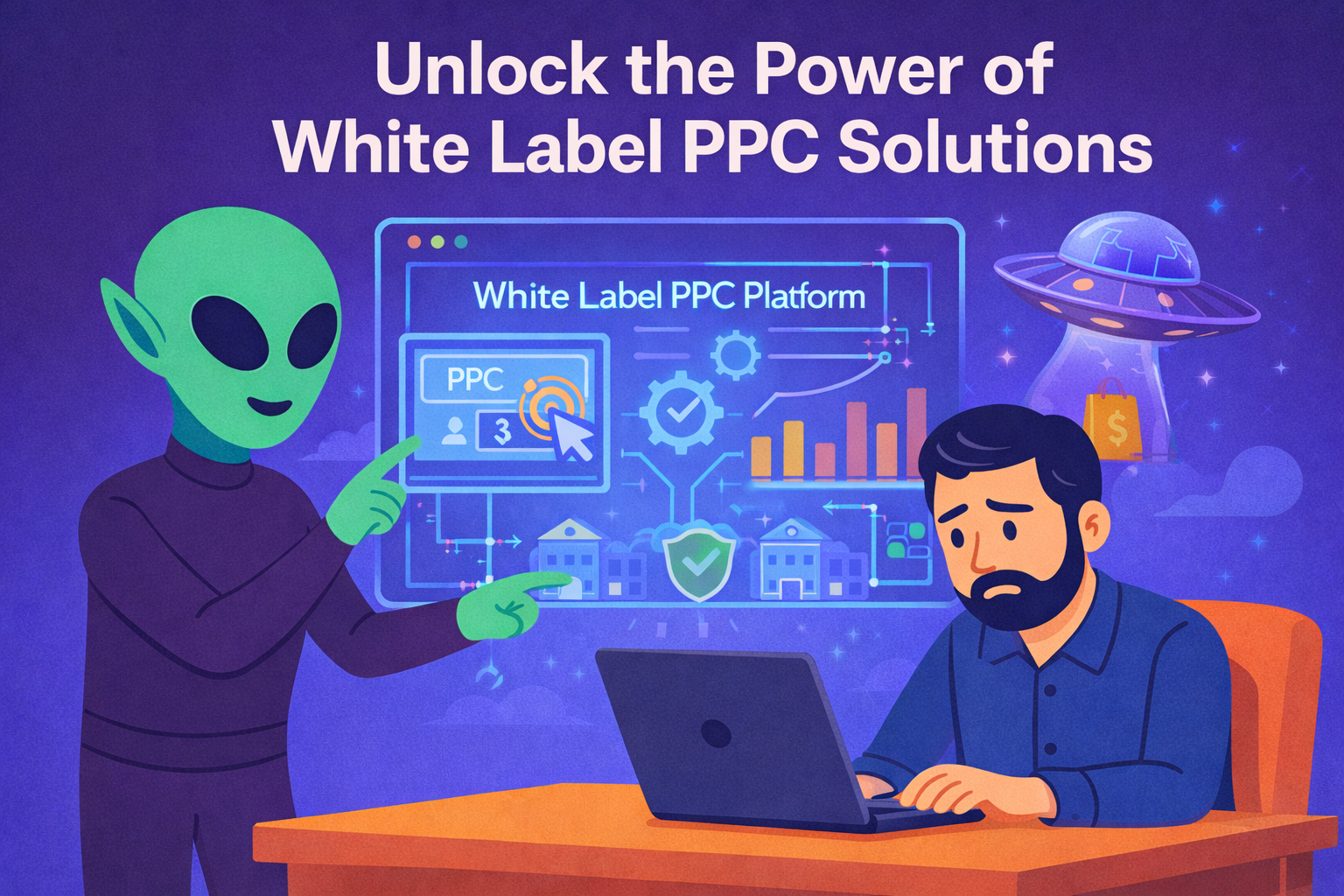
Unlock the Power of White Label PPC Solutions
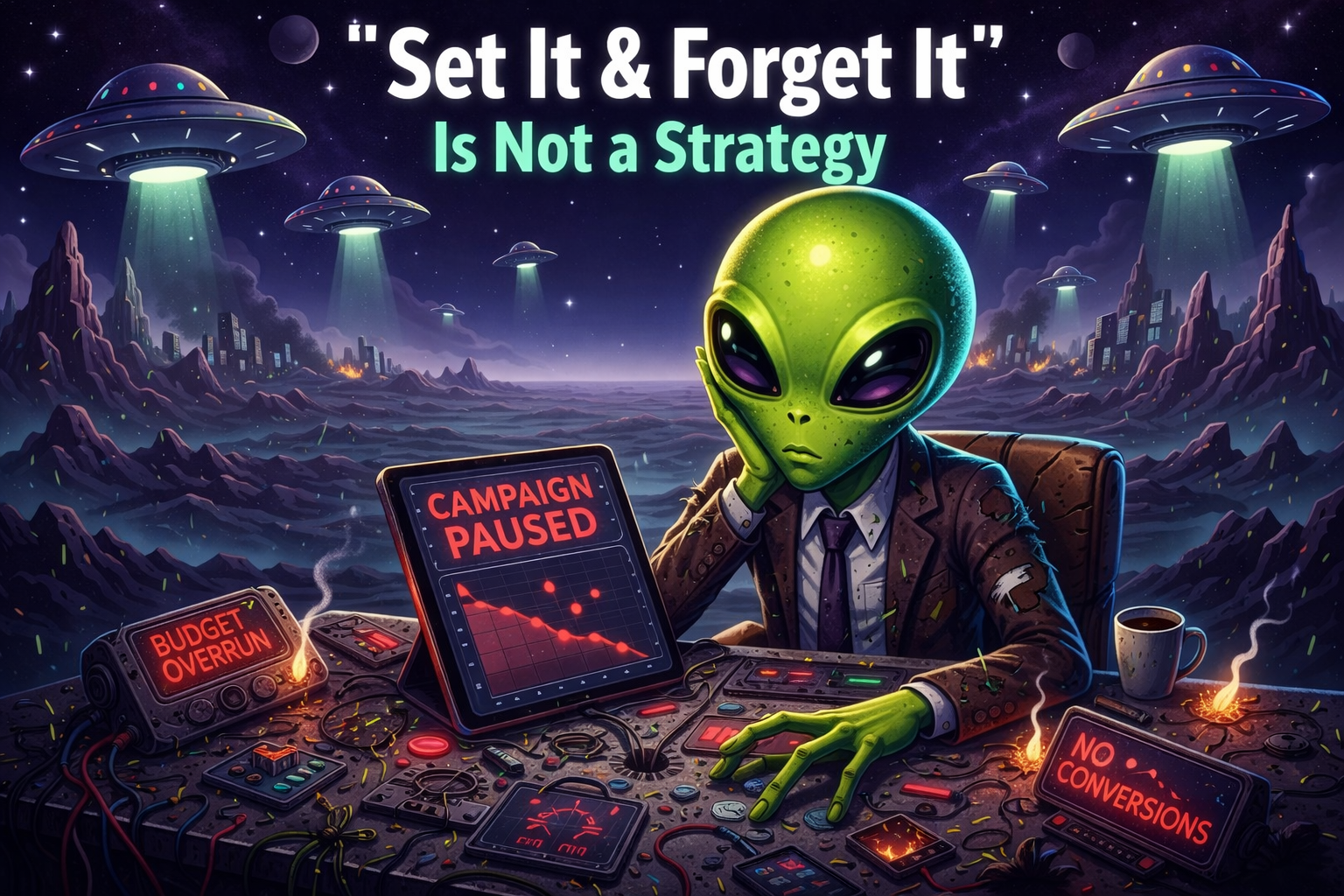
Why “Set It and Forget It” Is Killing Your Lead Generation (And What to Do Instead) If you’ve ever been told that Google Ads can run on autopilot, I have bad news. That advice is quietly costing businesses thousands of dollars every month. Google Ads is not a crockpot. You don’t set it and forget it. You manage it. You refine it. You adjust it. You optimize it. Because search behavior changes daily. And if your campaigns aren’t evolving with it, they’re slowly losing efficiency. Let’s break down why this happens — and how to build a simple, reliable system that generates leads consistently. The Real Problem: Most Campaigns Aren’t Actively Managed Most businesses don’t fail at Google Ads because they picked the wrong keywords. They fail because no one is paying attention. Here’s what “set it and forget it” usually looks like: Campaign launched Keywords added Budget set Automated bidding turned on Then… nothing No regular search term review. No negative keyword building. No landing page refinement. No tracking validation. Over time, costs creep up. Lead quality drops. Conversion tracking drifts. And nobody notices until revenue feels unstable. Google Ads Is a Living System Search intent shifts constantly. Competitors increase bids. Seasonality changes demand. AI-driven results alter click behavior. New search queries appear every day. If your campaigns aren’t actively optimized, you’re slowly donating margin. Active management means: Reviewing search terms weekly Adding negative keywords consistently Refining match types Monitoring conversion tracking accuracy Testing landing pages Adjusting bids strategically Scaling what’s working This isn’t complicated. But it is intentional. You Don’t Need Complexity. You Need Clarity. Many agencies overcomplicate Google Ads. Huge dashboards. Overloaded reports. Buzzwords everywhere. But business owners don’t need 47 metrics. You need three numbers: How much did we spend? How many leads did we generate? What did each lead cost? That’s it. If those numbers are predictable, you can grow confidently. We build Google Ads systems around simplicity: Clear campaign structure Clean tracking Simple reporting Easy communication Because marketing should create clarity, not confusion. High-Intent Beats High Traffic The biggest shift most businesses need to make is this: Stop chasing traffic. Start targeting urgency. When someone searches: “emergency plumber near me” “roof repair estimate today” “best criminal defense attorney near me” That’s not a marketing opportunity. That’s a buying moment. Our entire Google Ads framework is built around capturing those moments. Not awareness. Not vanity impressions. Revenue intent. The Hidden Risk: Broken Conversion Tracking Here’s something most business owners don’t realize: If conversion tracking is misconfigured, optimization becomes impossible. Google will optimize toward whatever it thinks a conversion is. If that’s wrong — your campaigns drift. We regularly see: Duplicate conversions Missing form submissions Call tracking not firing Offline sales never imported CRM not integrated If your data is off, your results will be too. Fixing tracking is often the fastest way to improve performance. The Future of Search Isn’t Just Google Search is evolving. More people are discovering businesses through: AI Overviews ChatGPT responses Generative search experiences This is where AEO (Answer Engine Optimization) comes in. AEO focuses on structuring your content and authority signals so your business appears inside AI-driven answers — not just traditional search results. If you’re running Google Ads but ignoring AI search visibility, you’re missing part of the landscape. The future isn’t either/or. It’s paid search + AI discoverability. A Simple Framework That Works We focus on three pillars: 1. Intent-Based Campaign Structure Target buyers who need help now. 2. Clean Data & Tracking Measure what actually matters. 3. Weekly Active Optimization Refine constantly. Scale intelligently. No bloated strategy decks. No endless meetings. No unnecessary complexity. Just a predictable system for generating leads. What This Looks Like In Practice When a campaign is set up correctly: Cost per lead stabilizes Lead quality improves Reporting becomes simple Scaling becomes logical Revenue becomes predictable That’s when Google Ads stops feeling stressful. And starts feeling like a growth engine. If You Want It Simple — It Can Be Many business owners hesitate because they assume onboarding is complicated. It doesn’t have to be. If you want help: You fill out a short intake form We build or rebuild your account We launch We optimize No long sales calls required. No pressure. Just momentum. Final Thought Marketing shouldn’t feel chaotic. It shouldn’t feel like guesswork. And it definitely shouldn’t feel like “set it and forget it.” If you want predictable leads from people actively searching for help right now, build a system that: Targets intent Tracks correctly Optimizes consistently Reports clearly Simple beats complicated. Every time.

Marketing has moved from "Keywords" to "Conversations." Here is how we ensure your business is part of the dialogue.
Why Is Google Ads So Expensive These Days: Understanding Cost Factors and Optimization Strategies The rising costs of Google Ads have become a significant concern for businesses aiming to maximize their online advertising budgets. Understanding the factors that contribute to these expenses is crucial for effective budget management. This article delves into the mechanics behind Google Ads pricing, including auction dynamics, quality scores, and competitive pressures. By exploring these elements, businesses can identify strategies to optimize their ad spend and improve their return on investment. We will cover the main factors driving up costs, the impact of competition, and actionable strategies for budget optimization. What Are the Main Factors Driving Up Google Ads Costs? Several key factors contribute to the increasing costs of Google Ads, primarily revolving around auction mechanics, quality scores, and competition levels. Understanding these elements is essential for advertisers looking to navigate the complexities of pay-per-click (PPC) advertising effectively. How Does Auction Mechanics Influence Google Ads Pricing? The auction system used by Google Ads plays a pivotal role in determining ad costs. Advertisers bid on keywords, and the highest ad rank typically secures the top ad placements. However, it's not just about the bid amount; ad rank, which considers both the bid and the quality score, also influences pricing. This means that even lower bids can win if the ad quality is high enough, making the auction dynamics complex and competitive. What Role Does Quality Score Play in Increasing Ad Expenses? Quality score is a critical factor that affects the cost of Google Ads. It is determined by the relevance of the ad, the expected click-through rate, and the landing page experience. A higher quality score can lead to lower costs per click (CPC) and better ad placements. Conversely, a low quality score can significantly increase expenses, as advertisers may need to bid higher to achieve the same visibility. Improving quality scores through better ad relevance and user experience can help mitigate rising costs. How Does Competition Affect PPC Advertising Pricing Today? Competition in the digital advertising space has intensified, leading to higher costs for Google Ads. As more businesses recognize the value of online advertising, the demand for popular keywords has surged, driving up prices. Why Is Market Demand Raising Google Ads Cost Per Click? Increased competition for keywords is a primary driver of rising costs per click. As more advertisers enter the market, the demand for specific keywords escalates, leading to higher bids. Seasonal trends and shifts in consumer behavior also contribute to fluctuations in demand, further impacting ad costs. Advertisers must stay informed about market trends to adjust their strategies accordingly. How Do Industry Trends Impact Digital Marketing Budgets? Industry trends significantly influence digital marketing budgets. Emerging technologies, changes in consumer preferences, and economic factors can all affect how much businesses allocate to their advertising efforts. For instance, the rise of mobile usage has prompted many companies to invest more in mobile-optimized ads, which can be more expensive but necessary for reaching target audiences effectively. What Strategies Can Businesses Use to Optimize Google Ads Budgets? To manage rising costs effectively, businesses can implement several strategies to optimize their Google Ads budgets. These strategies focus on bidding techniques, website design improvements, and performance tracking. Which Bidding Techniques Help Lower Google Ads Expenses? Several bidding techniques can help lower Google Ads expenses: Manual Bidding : Allows advertisers to set their bids based on their budget and goals, providing more control over spending. Target CPA (Cost Per Acquisition) : This automated bidding strategy aims to achieve as many conversions as possible at a specified cost per acquisition, optimizing ad spend. Maximize Conversions : This strategy automatically sets bids to help get the most conversions within the budget, making it easier to manage costs effectively. How Can Website Design Improve PPC Campaign Performance? Website design plays a crucial role in the success of PPC campaigns. A well-designed landing page can enhance user experience, leading to higher conversion rates. Key elements include: User Experience : A clean, intuitive design helps users navigate easily, reducing bounce rates. Landing Page Optimization : Ensuring that landing pages are relevant to the ad content can improve quality scores and lower costs. Mobile Responsiveness : With increasing mobile traffic, having a mobile-optimized site is essential for capturing potential customers effectively. What Are Common Questions About Why PPC Is Expensive? Many advertisers have questions regarding the rising costs of PPC advertising. Understanding these common inquiries can help businesses navigate their advertising strategies more effectively. What Causes Google Ads Costs to Rise Rapidly? Several factors can cause Google Ads costs to rise rapidly, including increased competition, inflation, and ad saturation in certain markets. As more businesses compete for the same keywords, the cost per click can escalate quickly, making it essential for advertisers to monitor their spending closely. How Can Advertisers Effectively Reduce Google Ads Spending? To effectively reduce Google Ads spending, advertisers can implement the following strategies: Budget Management : Regularly reviewing and adjusting budgets based on performance can help control costs. Ad Targeting : Utilizing precise targeting options can ensure ads reach the most relevant audiences, improving conversion rates and reducing wasted spend. Performance Analysis : Continuously analyzing ad performance allows advertisers to identify underperforming ads and make necessary adjustments to improve ROI. Different bidding techniques deliver distinct benefits through specific mechanisms. Bidding Technique Mechanism Benefit Impact Level Manual Bidding Advertisers set their own bids Greater control over spending High Target CPA Automated bidding for conversions Optimizes ad spend for desired outcomes Medium Maximize Conversions Automatically sets bids for maximum conversions Efficient budget utilization High This comparison illustrates how various bidding strategies can help businesses manage their Google Ads expenses more effectively while maximizing their advertising impact.
How to Do Keyword Research in Google Ads Using Keyword Planner